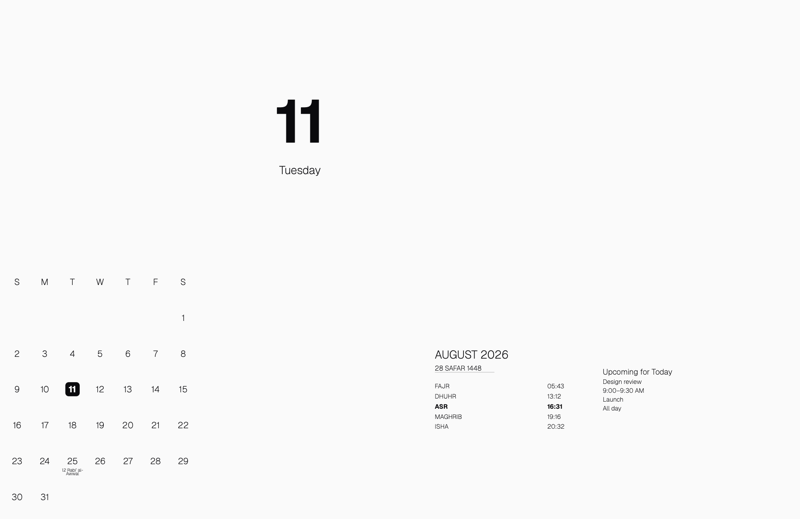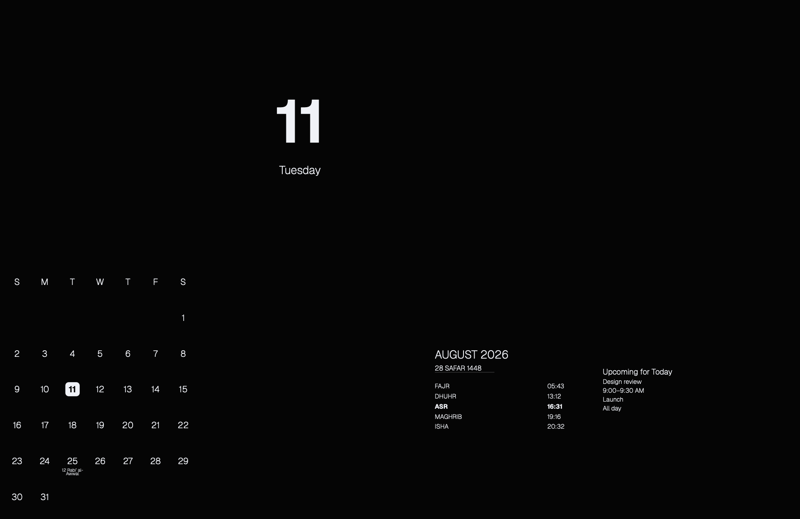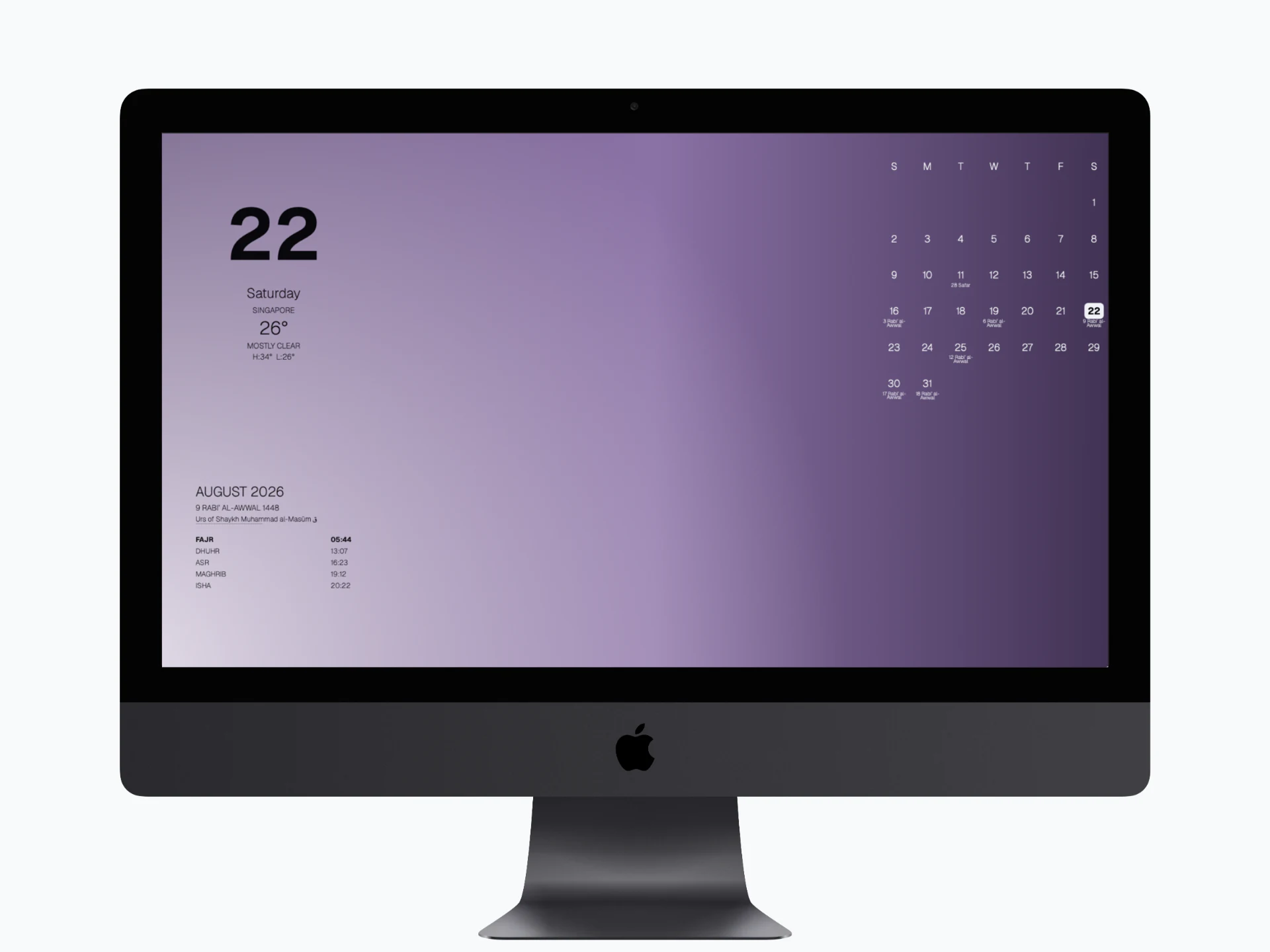
Built-in
Choose any of the twelve designs, or turn on Follow Islamic Month to change the artwork with the Hijri calendar.
Backgrounds
Choose a built-in design, your own image or a custom colour. Give each display its own background, then preview your changes before applying them.
Three background modes
Changing the background keeps your selected content and its placement. Choose the combination that works for each display.
Choose any of the twelve designs, or turn on Follow Islamic Month to change the artwork with the Hijri calendar.
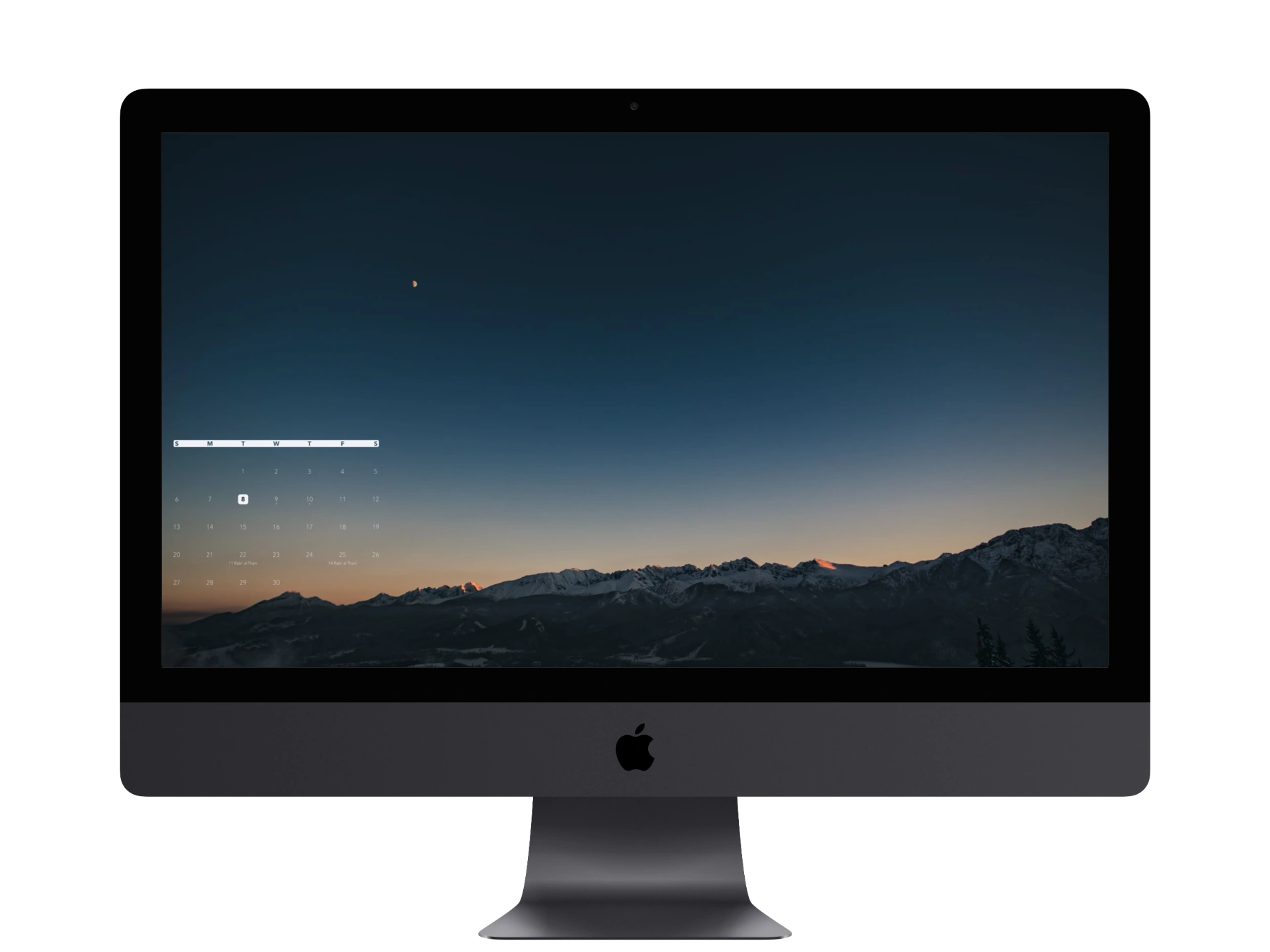
Choose an image from your Mac or drag it into BackDrop. Preview it with your selected content, then press Apply.
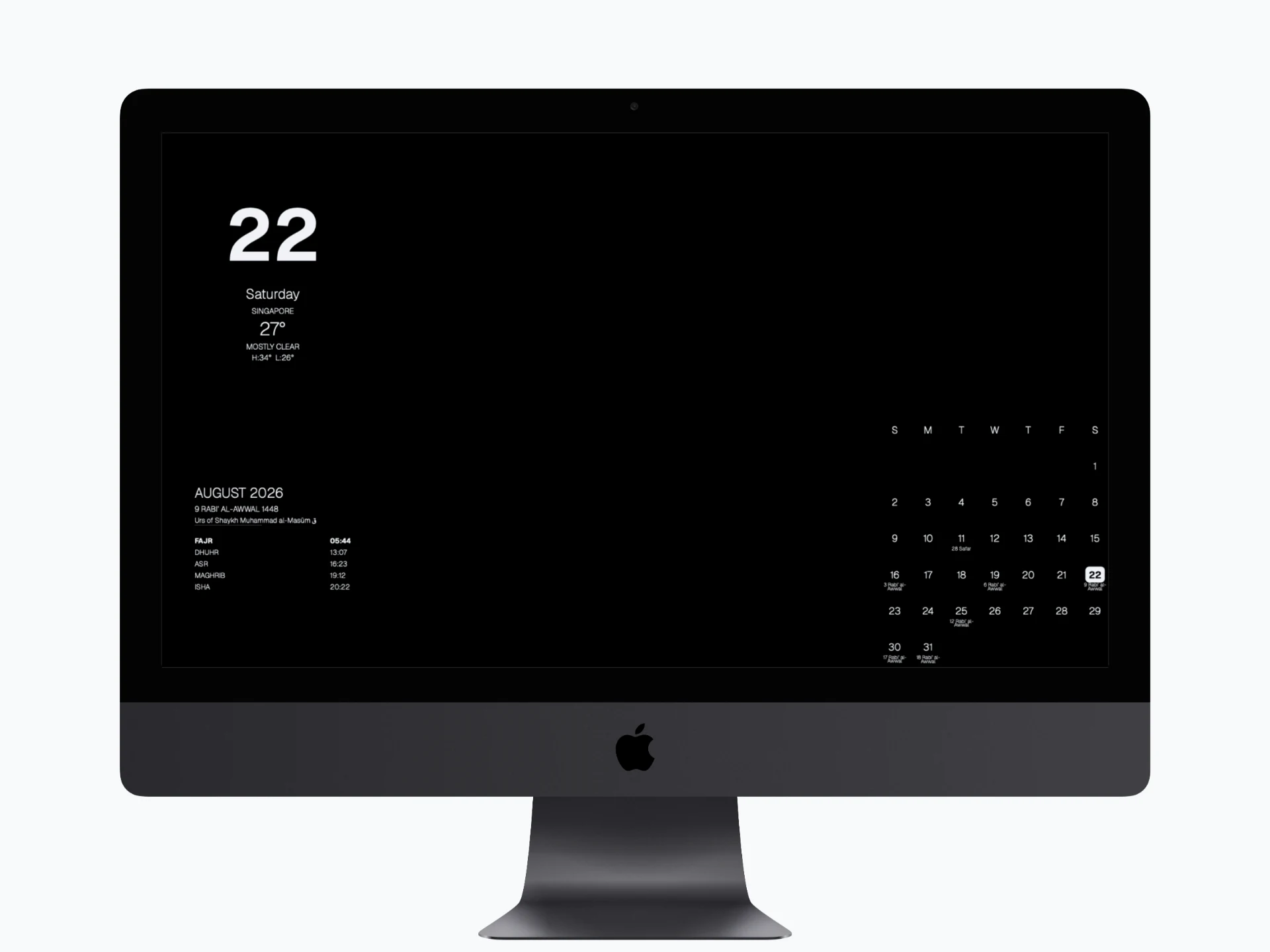
Pick a solid background colour for the selected display. Your content and layout stay in place.
Twelve built-in designs
Each design is named for a Hijri month. Turn on Follow Islamic Month to change backgrounds with the calendar, or select any design to keep it until you choose another. Your artwork choice is independent of your Islamic, Jewish, Christian or Public / Cultural Calendar Context.












Your image stays local
Choose an image or drag it into BackDrop. It is processed on your Mac, with your selected content placed over it. Press Apply to save the changes and update the selected display.
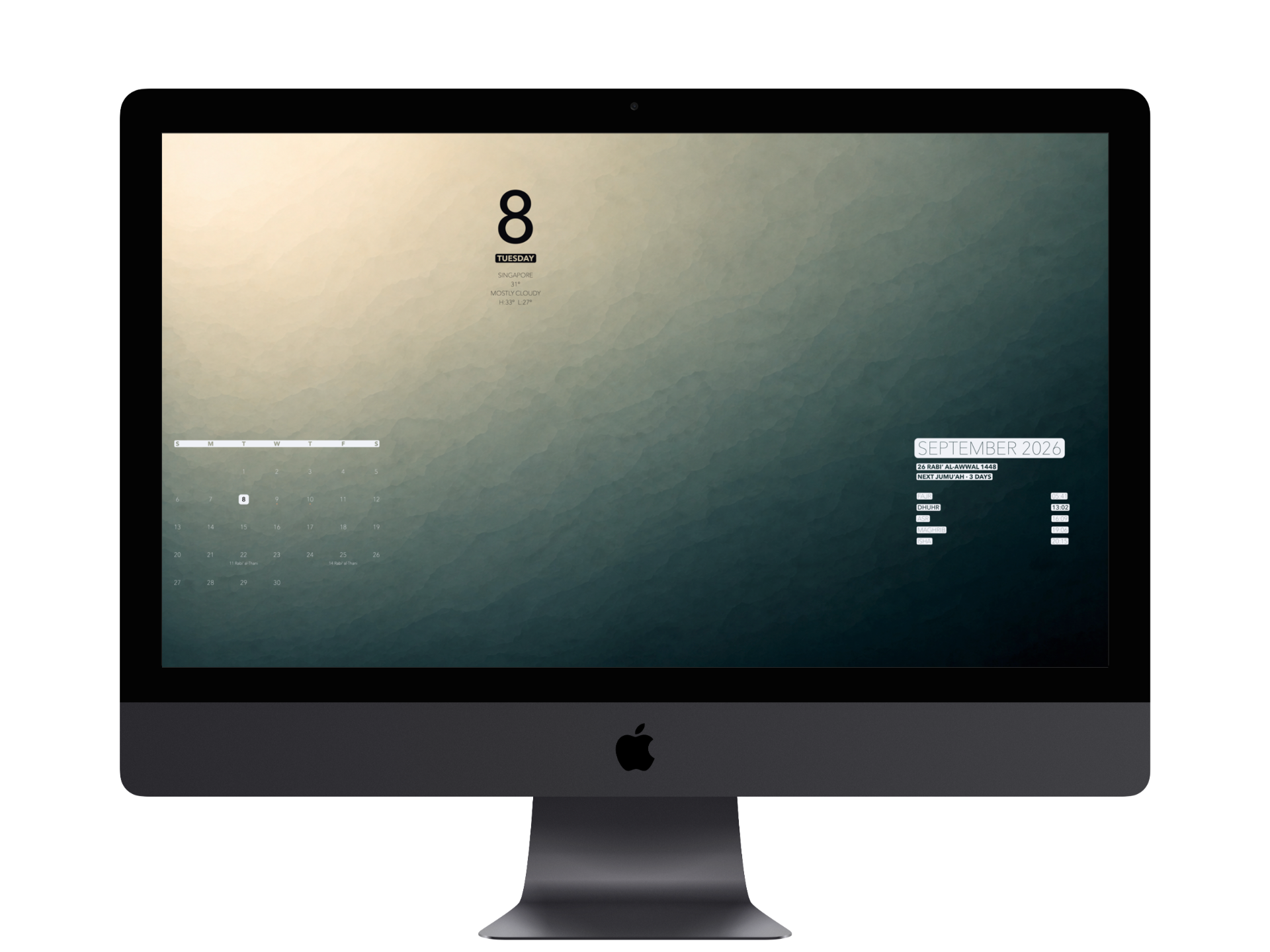
Contrast and Backplates
Use Automatic contrast or choose Light or Dark. You can also set the contrast for individual content items. Turn on Backplate to add fitted text backgrounds; Date & Day share one rounded background. Existing highlights keep their treatment.
See the full workflow