Your day at a glance
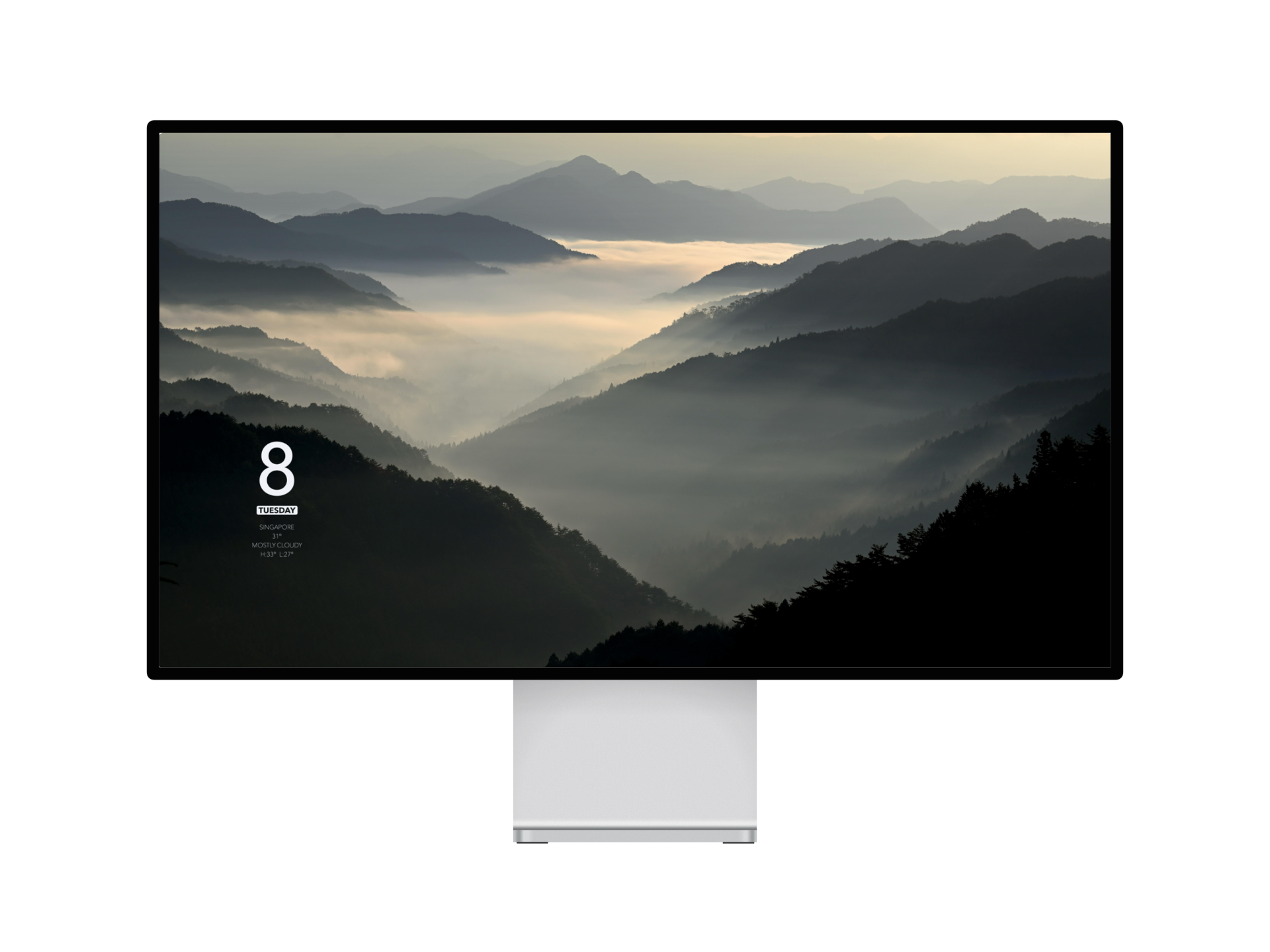
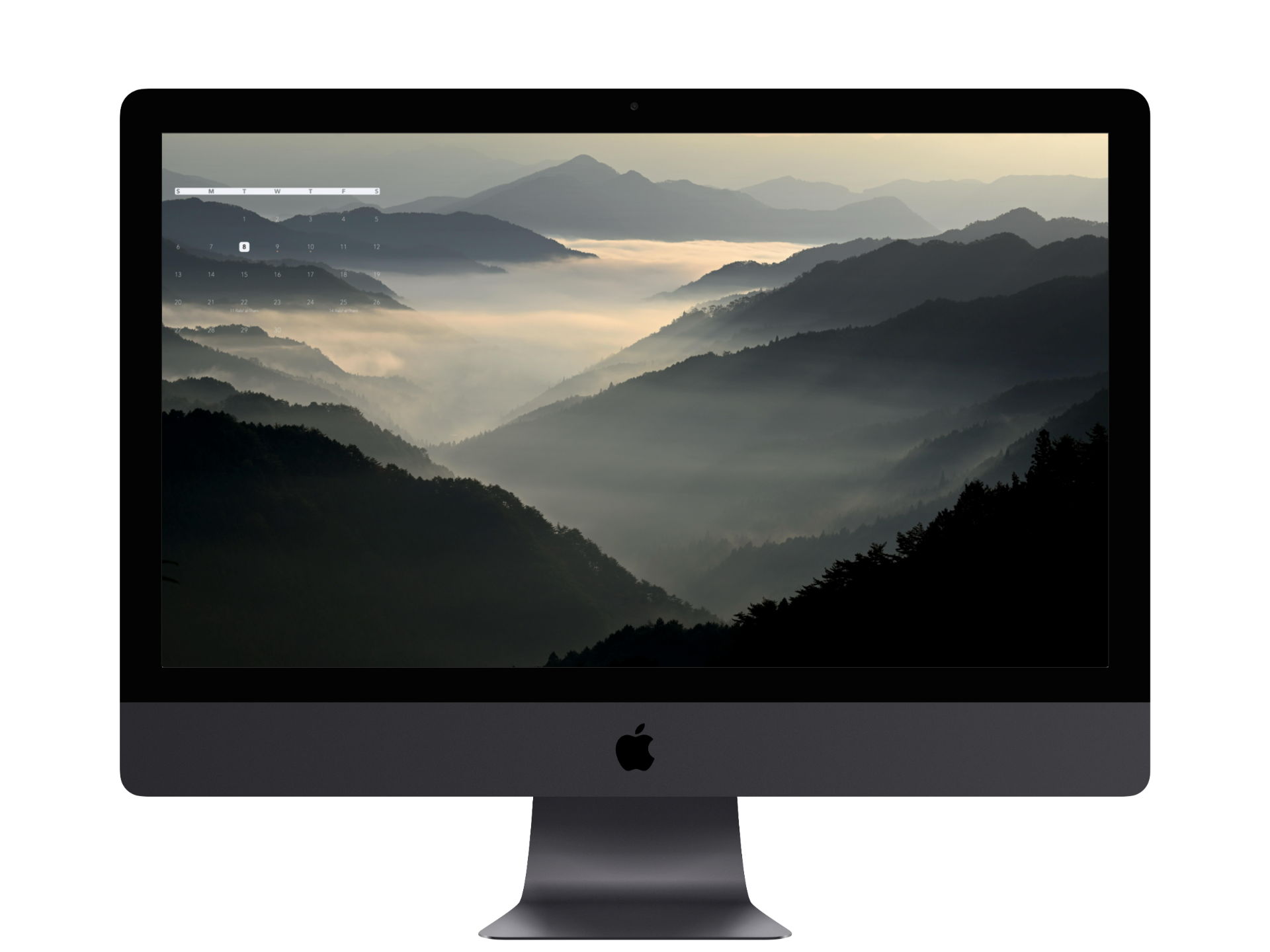
Date, weather and upcoming events
BackDrop by RUKN
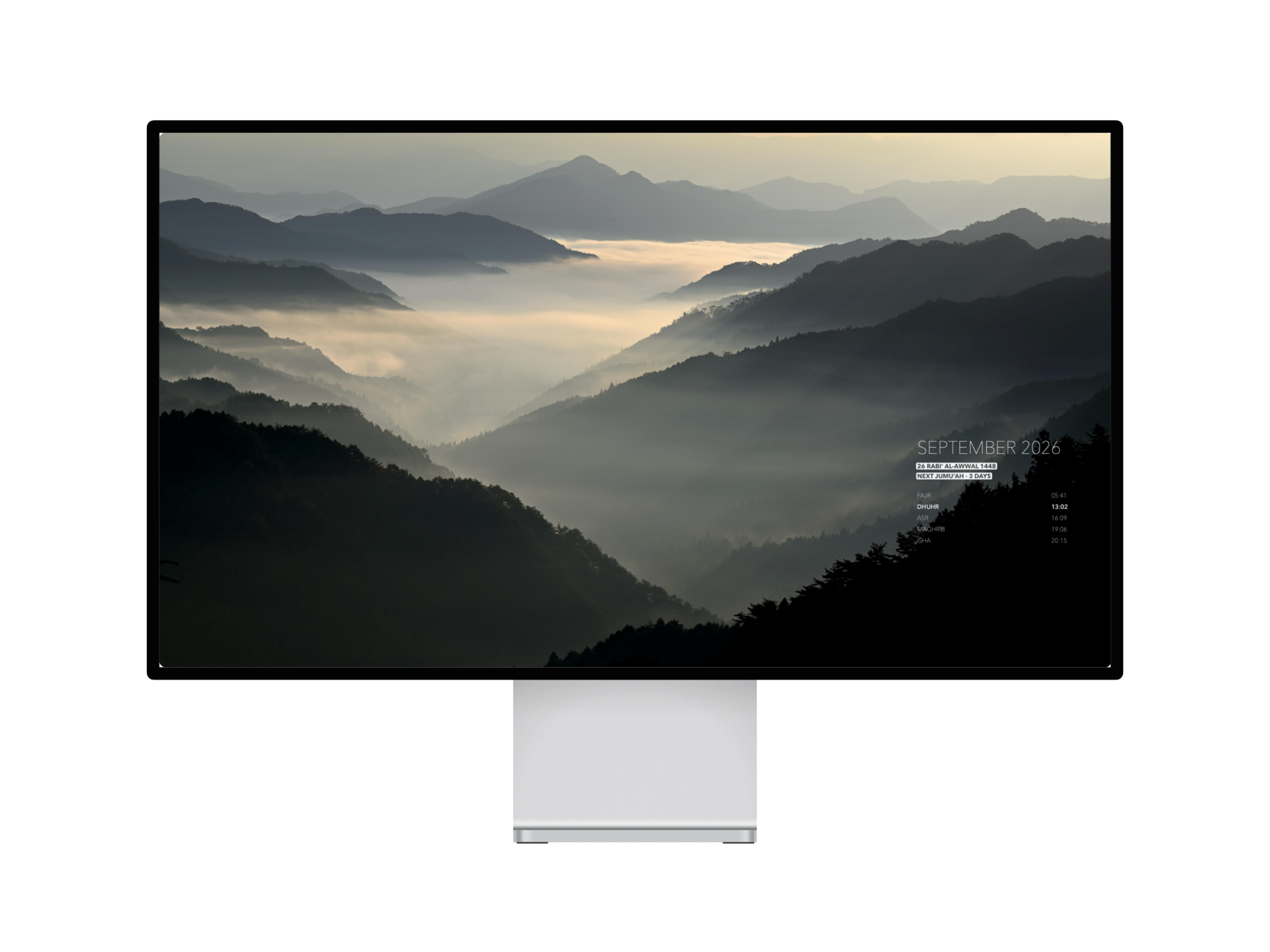
Prayer times, Hijri dates, weather, calendar and what’s next — composed directly into your Mac wallpaper.
Designed for macOS. No BackDrop account required.
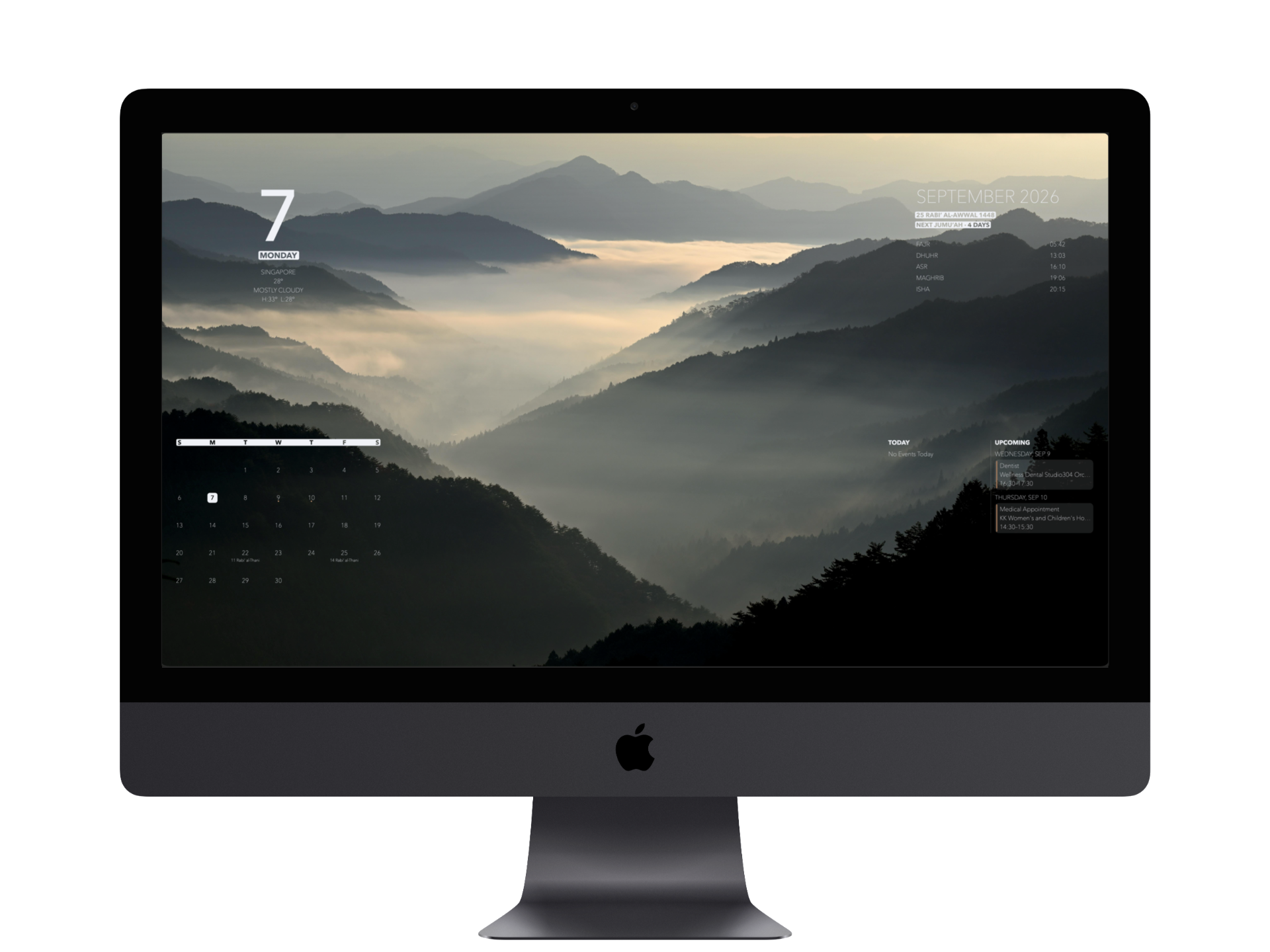
Date, weather and upcoming events
Faith, holidays and local prayer times
Notes, reminders and latest emails
Keep your Mac awake when you need it
Built-in designs, your own image or a solid colour
A wallpaper and layout for each screen
Information, composed
BackDrop puts the information you already use directly into your wallpaper — without floating widgets, extra windows or another dashboard to manage.
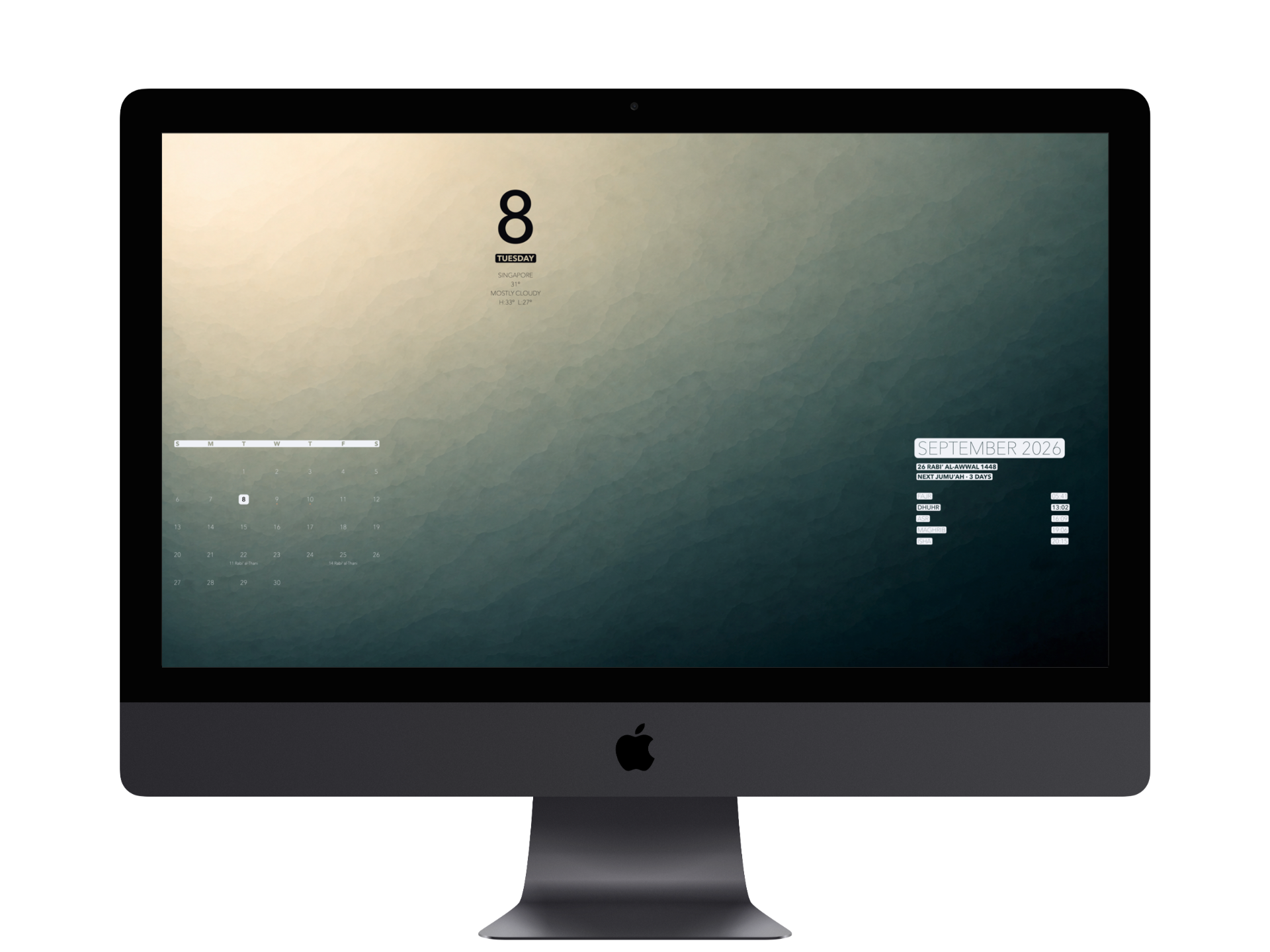
Three ways to make it yours
Change the background without changing the information you’ve composed around it.
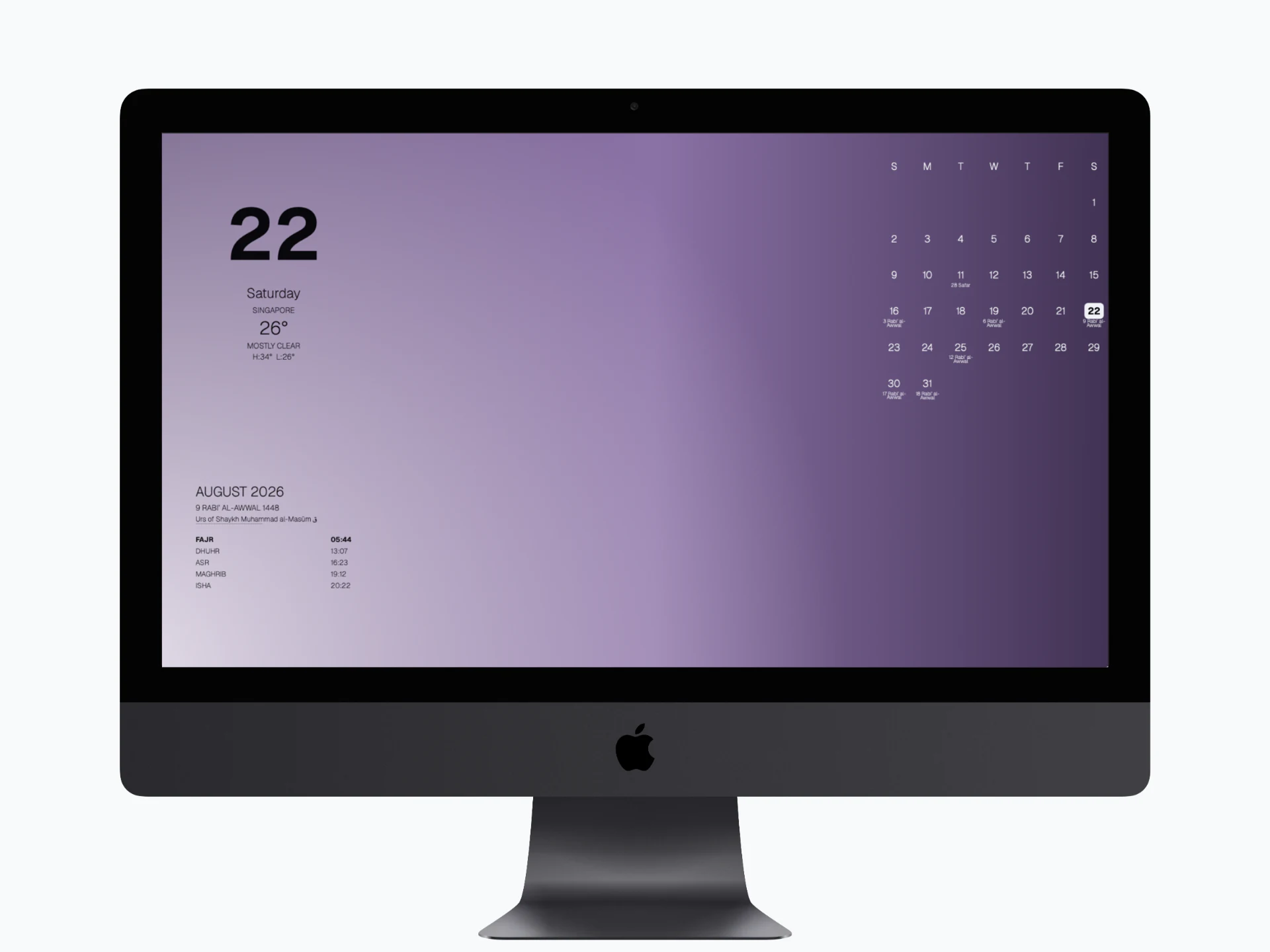
Built-in backgrounds that change through the Hijri year.
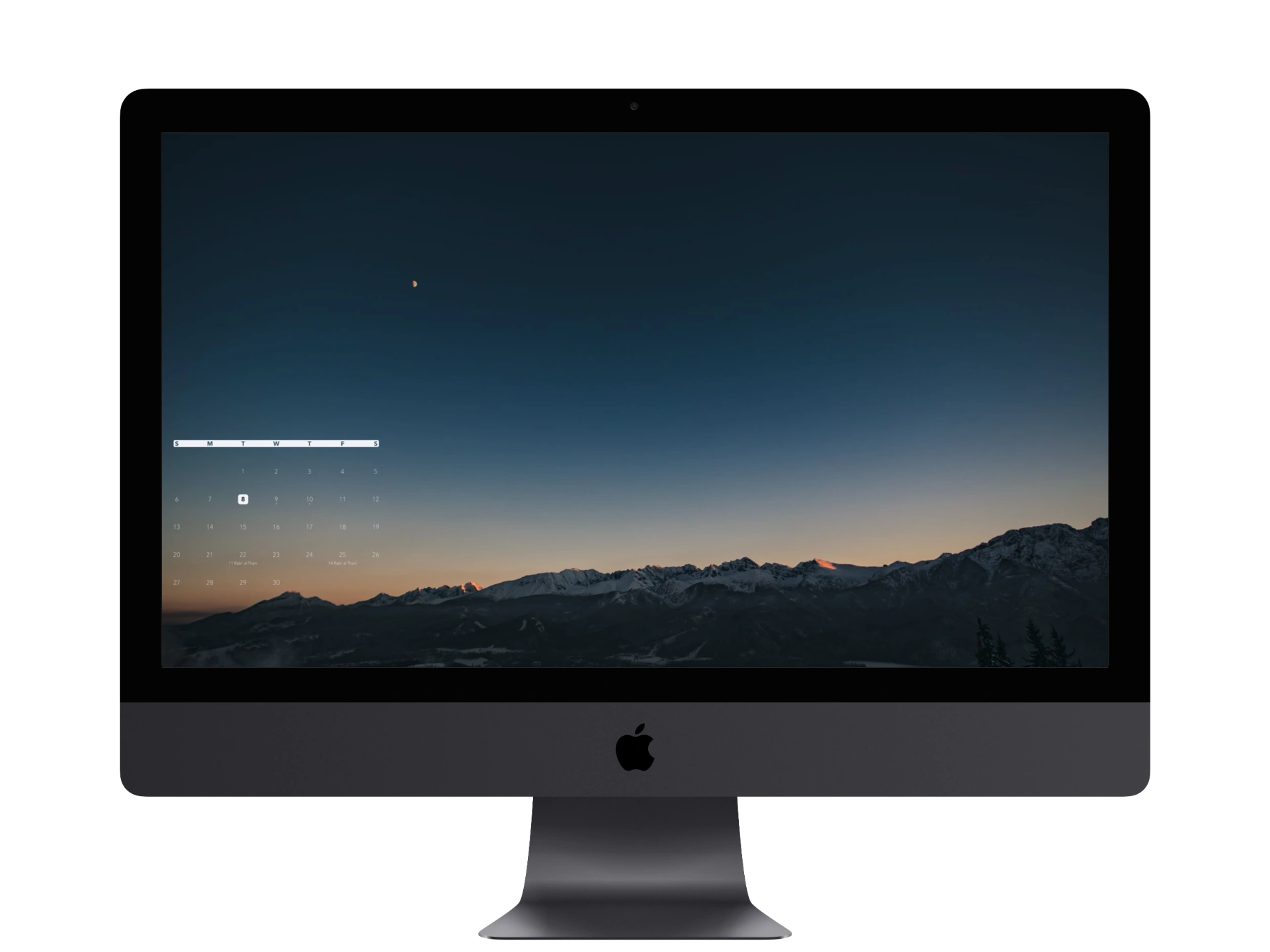
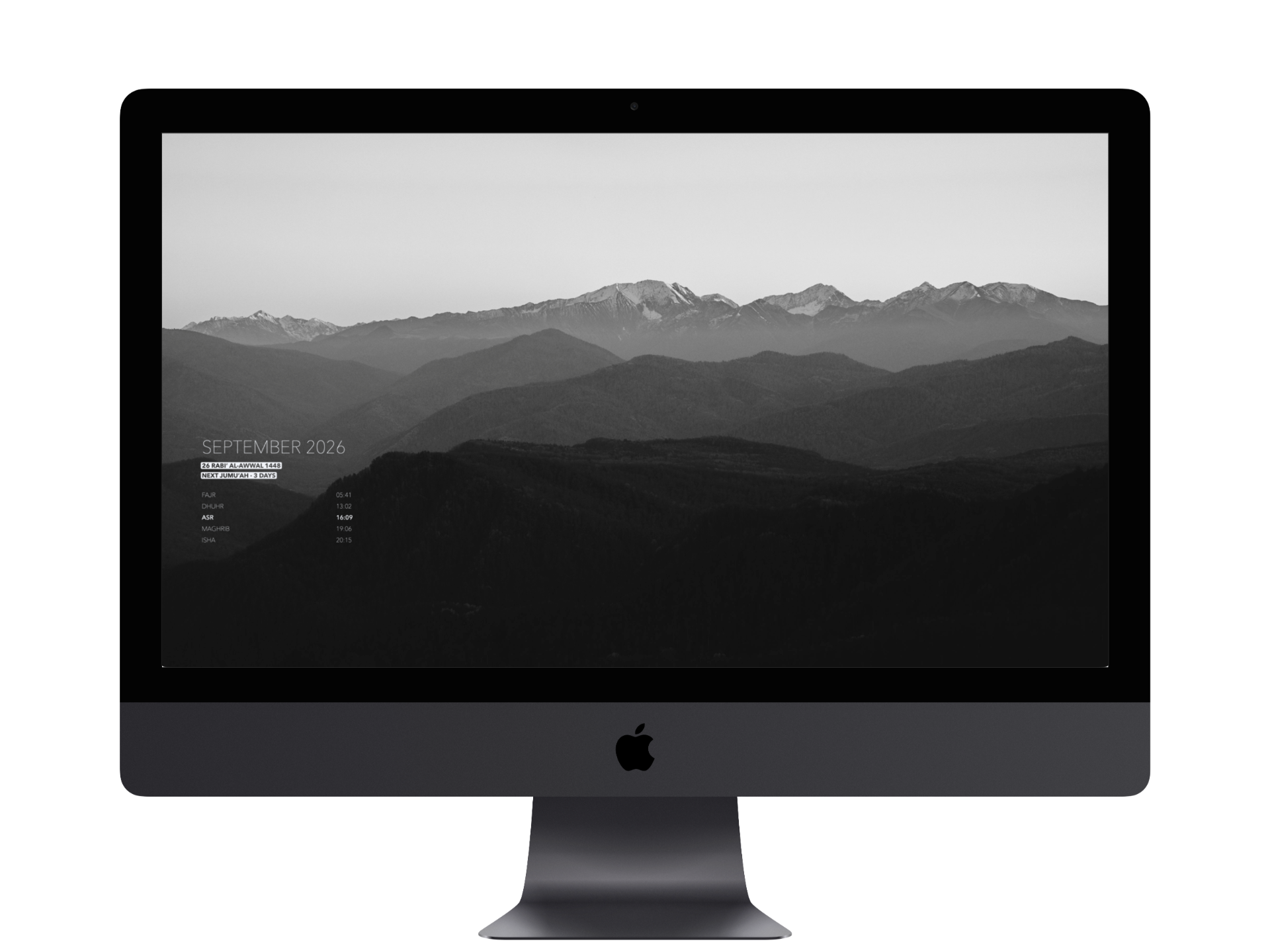
Use any supported image already on your Mac.
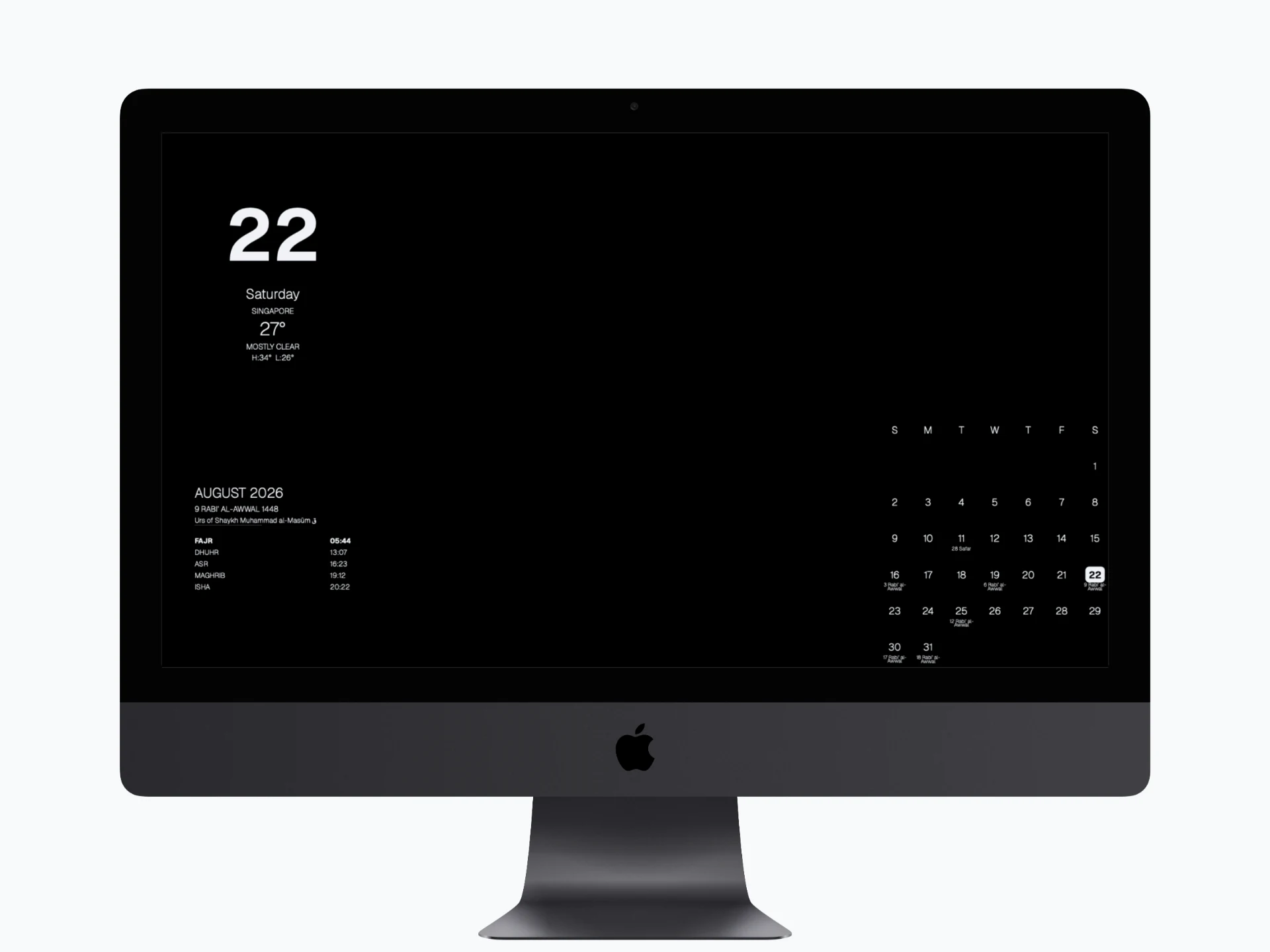
Keep things simple with a single colour behind your information.
Built around the Islamic day
See Fajr through Isha alongside the Hijri date, Islamic occasions, White Days and Jumu’ah context — without opening another app.
One Mac
Configure up to three active displays independently. Each can have its own background, visible information and layout.
Private by design
Your selected images and Apple Calendar event details are processed on your Mac. Christian calendar dates are calculated locally too.
Your desktop, without a BackDrop account, ads or a social feed.
Weather comes from Apple. Islamic prayer times and Hijri data use AlAdhan; Jewish calendar data comes from Hebcal. Public holidays use your selected Apple Calendar or OpenHolidays, depending on the source you choose.
BackDrop for Mac
BackDrop is now available on the Mac App Store.
Choose a monthly or annual subscription to start a one-month free trial, if eligible. Both plans include every feature. Your selected plan renews automatically after the trial unless you cancel. Apple shows your local price before you confirm.
For Apple silicon Macs running macOS 14 or later.